A client arrives saying “we want to put AI into our processes”. Where exactly it should go, they don’t know. Whether it will work on their documents, they don’t know either. And they have no idea what developers charge for this kind of work: they ask for a price, get a number, and have nothing to compare it against, because it isn’t clear what has been bought.
What follows is the order that removes the blindness. Five steps: pick a narrow zone and build a prototype, settle the security perimeter, plan for failure, roll the solution out to neighbouring processes, and work out in advance how much time the discovery itself will eat. Each step says what to watch and what each fork costs. And separately, the second layer of this work: a documented version of your own processes that stays with you even if AI never happens.
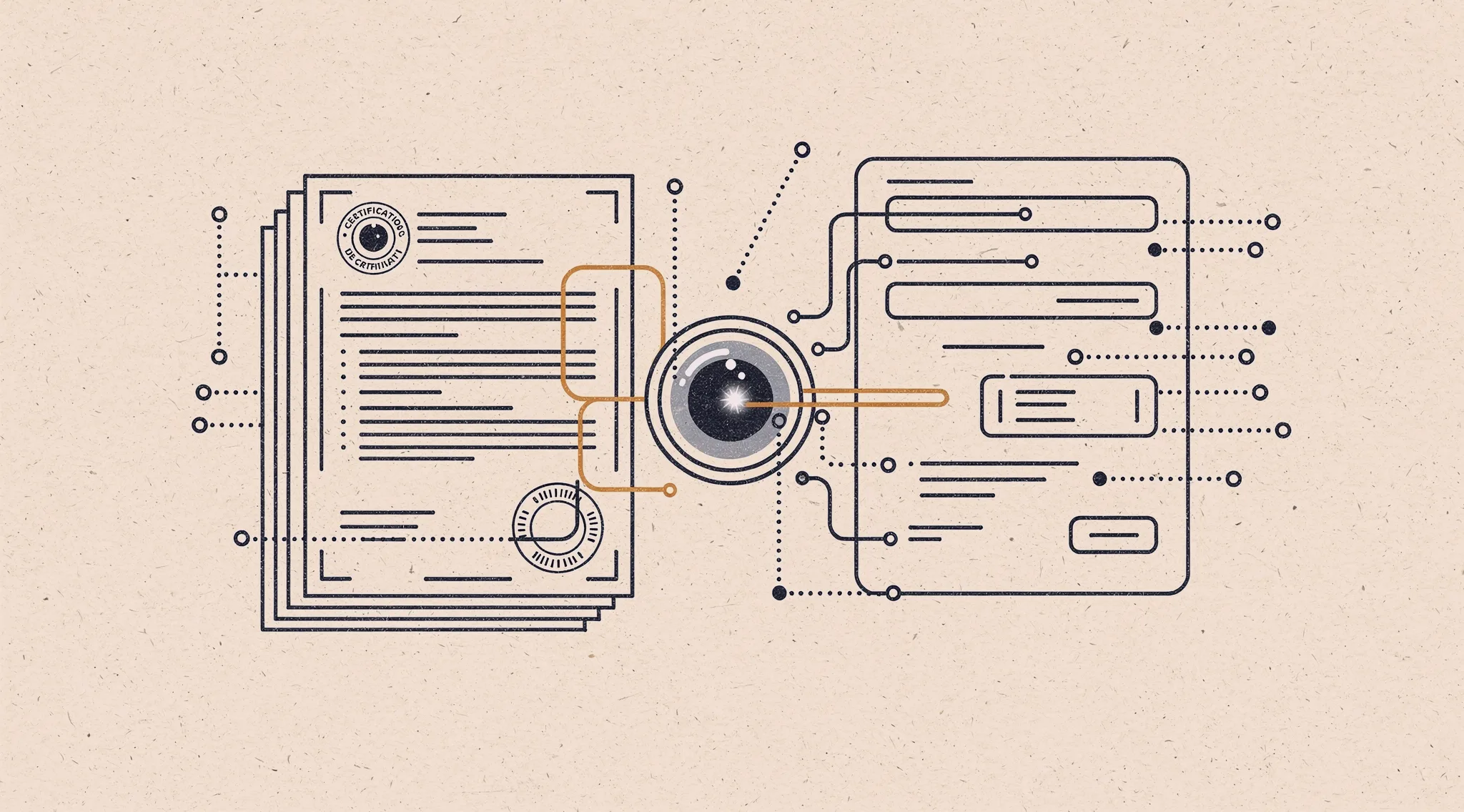
Everything below came out of one project. In autumn 2025 a certification company came to us. They issue declarations and certificates of conformity under technical regulations, and the whole pipeline rests on people. A request arrives by email, a manager types the applicant’s details in by hand, the technical department works out which regulation applies, assembles the document package from templates and checks the fields by eye. The client wanted AI in there, but didn’t know where exactly, whether it would work on their documents, or what such work costs.
Over 2 months we mapped the process across real deals, built a prototype that recognises incoming documents, ran it on live packages, and answered the client’s technical due diligence in writing: personal data, model selection, architecture, rights to the result, acceptance metrics. What follows is the distilled version. It travels to any country and any regulation: the names of the systems and the laws change, the logic of the steps does not.
Step 1. A narrow zone and a prototype
AI is unstable. The model invents data that was never in the incoming document, refuses to perform the task, and returns a different result on the same file from one run to the next. So you don’t start with a budget. You take one small process, build a prototype and measure two parameters.
- Stability. How consistently the model handles the same input.
- Attainability. Whether the result clears the quality threshold at which automating the process makes sense at all.
For one process that threshold means near-perfect field capture. For another, a draft that a person checks by eye is enough.
What to watch
- The threshold is set by the cost of an error, not by your contractor. If the document leaves for an external system and a regulator, partner or customer will see the mistake, the threshold is high and manual checking stays. If the next person in the chain catches it, the threshold drops and the economics come together faster.
- Prototypes are built on live data. A demo set is always clean; real incoming files arrive as scans, photographs and spreadsheets laid out by someone else.
- The run gets written up as a document. Otherwise a month later there is nothing to base a quality argument on.
Until those two parameters are measured, any budget estimate is fiction. With AI you cannot say in advance what will work.
And here is the rule that sounds odd coming from a contractor: if the parameters are out of reach, we stop there. That is a normal, finished outcome. You have learned that AI has no place here, and you paid a small share of the budget to learn it instead of the whole budget.
At the certification company the finished declaration goes into a state registry, so the cost of an error is set by the regulator, not by an internal rulebook. We were looking for the place where AI would not make mistakes, not the place where AI would look impressive. We built the prototype on real document packages and measured stability on the same run. We didn’t keep the numbers and no reproducible export survived, which is on us: that measurement belongs in the client’s hands alongside the prototype.
Step 2. The perimeter: open or closed
A security fork that decides the entire economics of the project.
- Open perimeter. Models through a provider’s API: wider choice, higher quality, friendlier pricing. Data leaves the company perimeter.
- Closed perimeter. National models, or models deployed locally: data never leaves the perimeter, quality is still lower, infrastructure costs more. A local model needs GPUs, space and a person watching over them.
In 5 years this conversation will be about different numbers. For now you have to count with what exists today.
What to watch
- Law and security policy first, model second. Personal data, trade secrets, sector rules on storage: all of that is settled before you choose a model, not after.
- How standardised your domain is decides whether a weaker model will do. Where the process is regulated and the wording repeats from document to document, the gap between a strong and a weak model narrows, and a weaker model inside the closed perimeter becomes viable. Where the domain is live and the wording is free-form, the gap shows immediately.
- The perimeter is step two, not step five. It changes both the cost and the quality you can reach: choose the model earlier and the prototype gets rebuilt from scratch.
At the certification company we went with a closed perimeter on national models from the start: applicant data falls under personal-data rules, and in that sector a dependency on a foreign provider counts as a risk in itself. The domain is regulated enough that swapping the model does not change the approach. Separately we mapped how finished declarations reach the state registry: through an intermediary operator and the agency’s web portal, what it takes to connect to inter-agency data exchange, and whether software writing into the registry directly has to be certified. On certification we hit a wall: we found no definitive answer and went no further, because the project stalled on the client’s side. The answer depends on the filing route, with one set of requirements for a manual submission through the portal and another for a direct integration. If you are heading into state systems, close that question before the architecture, not after.
Step 3. Fault tolerance
Everyone thinks about recognition quality. What usually takes the process down is something else.
The model provider goes down, the network drops, the local server dies: the process stops. And there is nobody to hand it back to, because the people who used to do the work by hand have stopped doing it.
Two answers, both workable:
- Keep people in the loop as the fallback. Cheaper, but the skill has to be kept alive, otherwise it drains away.
- Build a failover path. Two or three providers or servers with switchover: pricier, but it runs without people.
This is baseline engineering, not a luxury.
What to watch
- Decide the acceptable downtime in advance. An hour, a day, a week: the answer picks which of the two options you take.
- Test the fallback for real. A switchover nobody has ever rehearsed does not work on the day of the outage.
Step 4. Rolling out to neighbouring processes
The prototype has run, the parameters hold, the solution is in production. From there it moves to neighbouring blocks and processes, steadily, rather than everywhere at once.
Every rollout gets documented and tested again. What worked on one process behaves differently on the next: different data, different wording, different edge cases.
What to watch
- Take the most similar process next, not the biggest one. A similar one ports cheaply and answers the real question: is the solution portable at all, or did it only ever live on the first piece.
- Sequence beats speed. The big process looks tempting, but where a rollout breaks you lose both time and the team’s faith in the whole idea.
Step 5. What to expect in effort
The heavy part isn’t the model. The heavy part is mapping how information moves: what comes from where, who decides at which moment, where the data changes shape, which fields get retyped for the third time.
We underestimated that phase on the certification project. We expected to capture the chain quickly, and it took longer and went deeper than planned.
The reason is plain: a regulated process lives in people’s heads and in their correspondence, not on paper. Capturing it takes real deals from the client’s first email to the finished document package, recordings of both departments at work, and observer access to the system where all of it happens. A call does not replace that: on a call you hear how the process was designed, not how it runs.
The second layer hides right here, and it is sometimes the reason to run the whole exercise. Turning other people’s chaos into structure is our day job, and while mapping we pull the process out of employees’ heads and write it down as it actually is. Then both versions sit side by side: the ideal one, as the company designed it, and the real one, as it runs every day. The gap is visible at once: where a decision waits on three approvals, where the same data is retyped for the third time, where everything depends on one person being back from holiday. Those spots can be fixed straight away with no AI involved, and that repair often pays better than the automation itself.
What to watch
- Discovery and the prototype get their own stage, with their own deadline and their own price, before the conversation about development.
- You are paying for knowledge, not for a promise. The process map keeps its value even if you change contractors.
- Ask for the document along with the prototype. The captured map works on its own: it shows where the process sags, and you can act on that without waiting for any automation.
What you walk away with
The document and the prototype are only the carriers. You walk away with four things:
- Whether you need AI here at all. The answer is either yes or no, and a “no” deserves a thank-you. There is a lot of noise around all-powerful artificial intelligence, and under that noise it is easy to buy a solution your process never needed. Learning this on a prototype costs less than learning it halfway through development.
- What it costs. With a clear split across infrastructure, development and running it.
- How it will grow. Which neighbouring processes move onto the same solution, which ones have to be built again, and what the rollout runs into: people, licences or hardware.
- A documented version of your own processes. Captured from real deals and from your employees’ heads, not copied out of the rulebook. The company’s ideal process and its real process finally sit side by side, and the gap between them is visible without us.
You have a regulated process that rests on people and templates, and a thought about putting AI into it. Show it to us. We will map the process, build a prototype on your documents, and tell you where the model takes the drudgery off and where it will let you down. The review has a fixed price and a fixed deadline: you know the sum before the work starts, and the result stays with you.